
Footpatrol wanted to give one lucky Nike fan, an opportunity to design their own Nike shoebox… and competition was fierce.
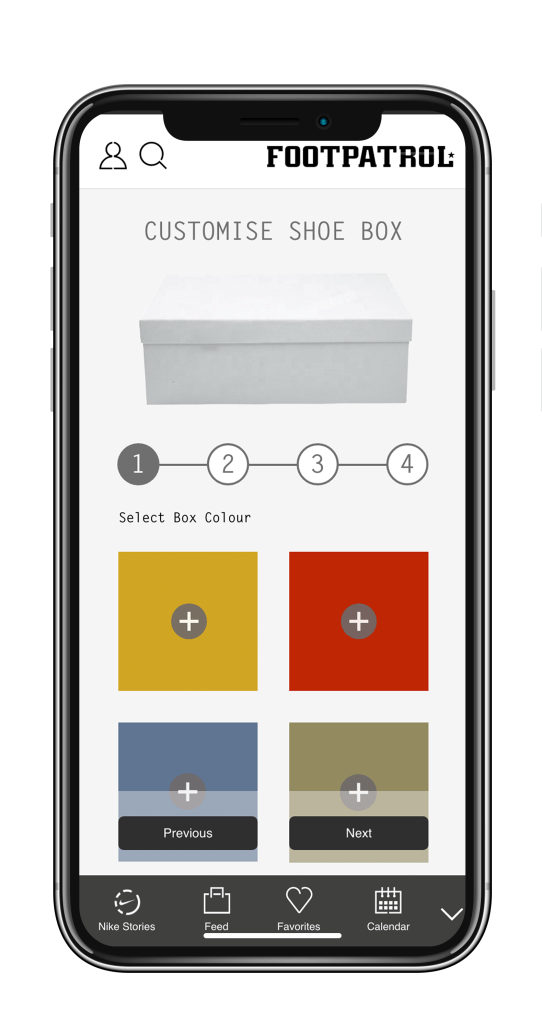
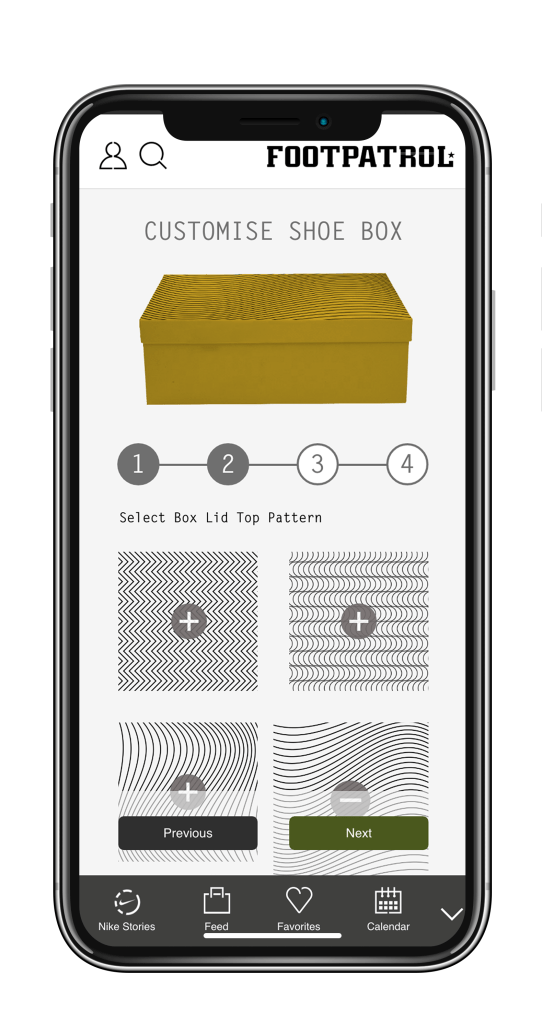
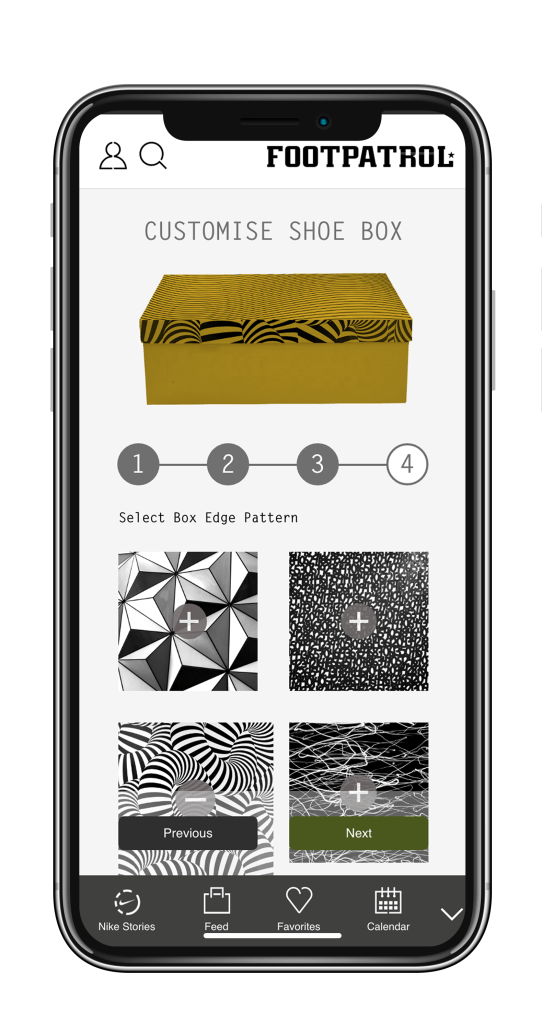
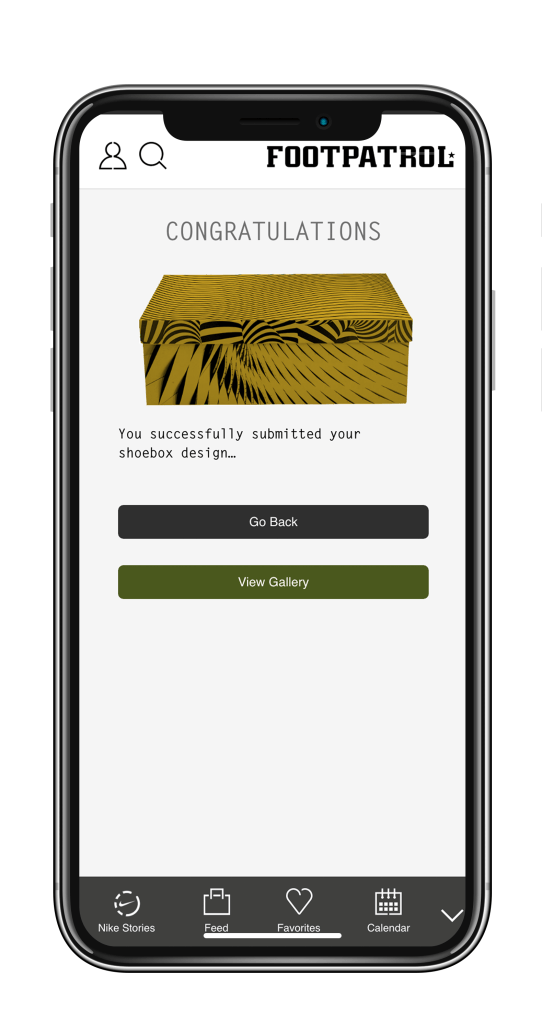
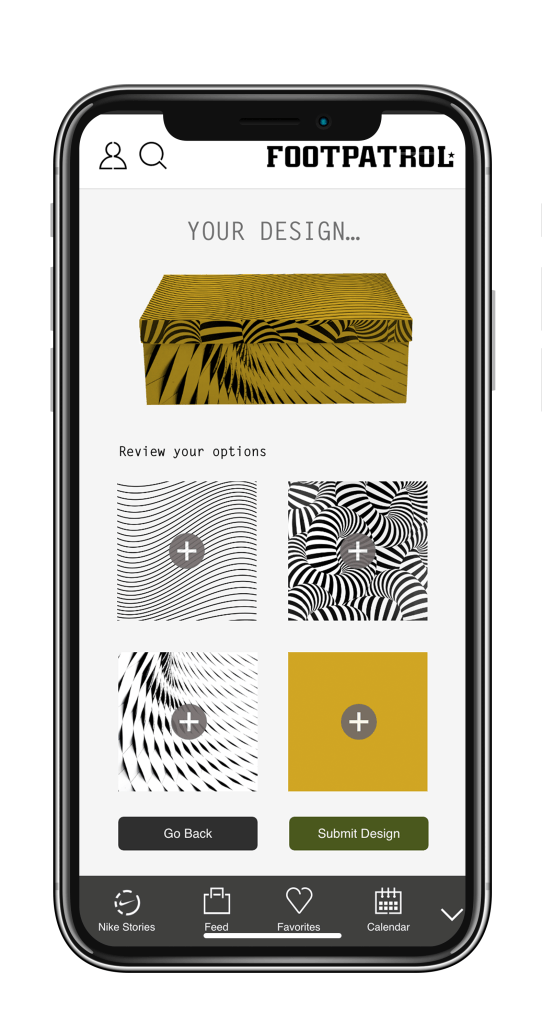
A campaign for the Footpatrol launches app, this feature was designed to allow users of the app, especially Nike fans, the chance to get creative and combine various colours and textures to create a one of a kind Nike shoebox.
This task needed to be completed quickly and luckily our devs had already found and customised some software to allow our users to take control of the process. This wasn’t a conventional approach, however since this was a campaign piece for Footpatrol we had to work a little bit differently.
Since the user journey was dictated by the software that we were using to create the feature, our main focus was the UI, trying to make the touch points and overall experience as fun and intuitive as possible. A major challenge was the shoebox preview, we needed to be able to update the shoebox preview with the various design elements stored in the app.
Besides the fast turnaround, we needed to guide our users through the process, but also give them the freedom to go back and tweak their designs before submitting them.
When I was brought in to create the user journey, my initial step was to generate a series of random colour swatches using adobe Colour, they needed to have contrast between each other, however the colours couldn’t be too saturated. This was to allow the textures that would be applied later to stand off from the background.
The next step was to create some simple textures that could be used by the Footpatrol brand team to demonstrate the feature to internal stakeholders, as well as representatives from Nike. This was done by finding example textured photographs, in this case I used unsplash.com to gather some image assets to work with. The next step was to use Photoshop to change the image mode to grayscale and discard the colour information.
In order to get the textures ready for the shoebox demonstration, I then duo-toned the images and adjusted their input levels in Photoshop.
Ultimately I needed to create each state of the shoebox within the demo of the flow, these would be added as separate images on each art board in Adobe XD.
Once the assets were ready, all that was left to do was to finish creating the prototype again using Adobe XD to layout the UI and link the interactive elements in order to build the flow. We then screen recorded the demos to hand over to the brand team.
You can find the campaign announcement here on the Footpatrol Blog: https://blog.footpatrol.com/create-your-own-powered-by-nike/
The Footpatrol Blog post announcing the winning design is here: https://blog.footpatrol.com/create-your-own-winner/
 Jake Bolton